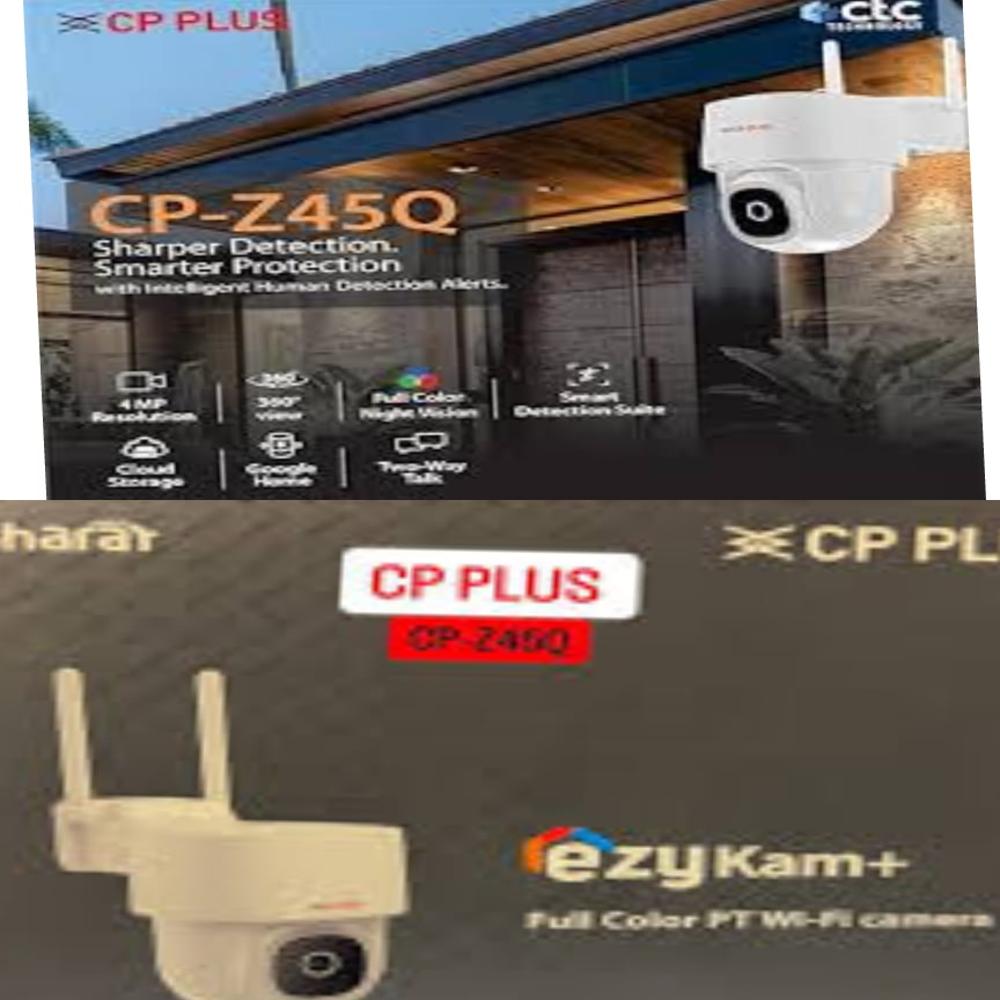
About CP PLUS CP-Z45Q WIFI 4MP
- 1/2.9 4MP CMOS Image Sensor (0.8758 centimeter)
- 4mm Lens
- H.265 Video Compression
- Wi-Fi Support
- Max. 20fps@4MP
- IR Distance of 15 Mtr.
- White LED Distance of 8-10 Mtr.
- Works with Google Home
Efficient Outdoor SurveillanceThis CP PLUS dome camera is tailored for outdoor environments, offering a water-proof build and a durable plastic enclosure that withstands variable weather conditions. Its wide temperature operating range supports consistent performance throughout the year, making it suitable for commercial and residential premises.
High-Quality Imaging TechnologyEquipped with a 4MP CMOS sensor, the camera delivers vivid color images and videos, ensuring reliable identification and record-keeping. The 30-meter range enhances its monitoring capabilities, and its Wi-Fi connectivity allows effortless installation without extensive cabling.
FAQ's of CP PLUS CP-Z45Q WIFI 4MP:
Q: How do I install the CP PLUS CP-Z45Q WIFI 4MP Dome Camera outdoors?
A: To install the camera outdoors, ensure you have a stable Wi-Fi connection and access to a 12V power source. Mount the camera securely on a wall or ceiling using the included hardware, keeping it within range of your wireless network for optimal performance.
Q: What benefits does the waterproof feature provide for outdoor usage?
A: The waterproof construction protects the camera from rain, dust, and varying weather elements, which is crucial for long-term operation and reliability in outdoor installations.
Q: When should I consider using this camera for surveillance?
A: This camera is ideal when you need continuous outdoor monitoring or require coverage in locations with exposure to temperature variations and moisture. Its robust design and day/night color capture make it suitable for both residential and commercial security needs.
Q: Where is this dome camera best positioned for maximum effectiveness?
A: For optimal results, place the camera at elevated outdoor positions, such as over entrances, driveways, or open yards, where its 30-meter range can cover key areas efficiently while being within Wi-Fi reach.
Q: What is the process for connecting the camera to my wireless network?
A: After mounting the camera, follow the manufacturer's setup guide to connect it to your home or office Wi-Fi using a smartphone or computer. This enables real-time viewing and monitoring through compatible apps or software.
Q: Does this camera support remote control or monitoring?
A: While the CP-Z45Q does not feature remote pan or tilt control, it allows wireless video transmission so you can monitor footage remotely via supported applications, provided the camera is connected to the network.





 Send Inquiry

 Send Inquiry
 Send Inquiry
 Send SMS